The Registers That Get Most Companies in Trouble
During CLRA inspections, labor officers focus on a handful of specific registers. These are the records where violations are most commonly found.
Muster Roll (Form XVI)
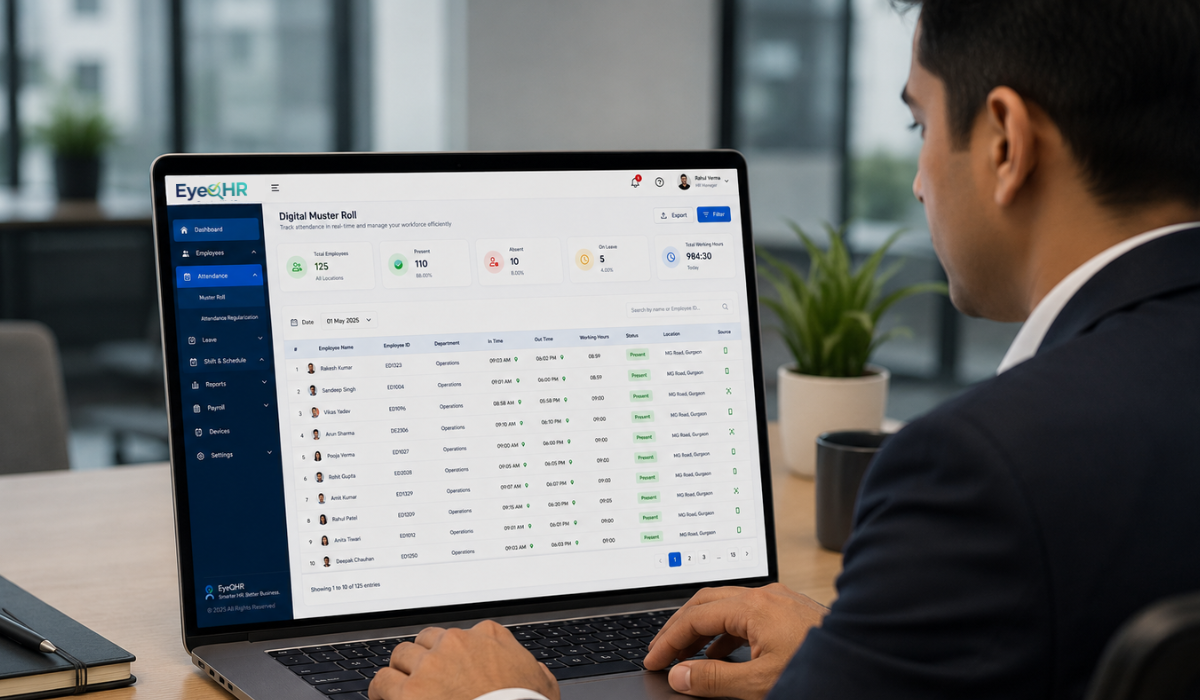
The muster roll must show, for every working day, which workers were present, absent, or on leave. Many manpower companies maintain attendance records in a central spreadsheet but fail to transfer this data into the prescribed Form XVI format at each worksite.
The muster roll is required to be maintained at the worksite itself, rather than only at your head office. A digital copy stored in your system is not necessarily the same as having the required record available at the site during an inspection.
Wage Register (Form XVII)
The wage register must show each worker by name, the number of days worked, wages due, deductions made, and the net amount paid. Vague entries such as “as per attendance” or amounts without an individual breakdown can result in incomplete records.
Inspectors may cross-check the wage register against the muster roll. If the number of days recorded in the wage register does not match the attendance recorded in the muster roll, it can create a compliance issue, even if the workers were actually paid correctly.
Employment Card (Form XIV)
Every contract worker must be provided with an employment card issued by the contractor. This card contains details such as the worker’s name, nature of work, wage rate, and period of employment.
Many manpower companies overlook this requirement, particularly when workers are deployed across multiple field locations.
This is one of the most commonly missed requirements and one of the easiest to address. If your workers do not have employment cards, make sure they are issued before your next deployment.
Wage Payment Rules Under CLRA
Wages must be paid on time. Under the applicable CLRA rules, wages are generally required to be paid within the prescribed time following the wage period. For establishments employing more than 1,000 workers, a different deadline may apply.
The principal employer also has responsibilities relating to wage payment. If the contractor fails to pay workers as required, the principal employer may be required to make the payment and recover the amount from the contractor.
This is more than a compliance technicality. Delayed or incorrect wage payments can directly affect your relationship with clients and create additional compliance risks.
Minimum Wage Requirements
Minimum wages for contract workers must be paid according to the applicable wage rates in the state where the work is performed, subject to the relevant wage notification and legal requirements.
For example, if you deploy workers from Maharashtra to Gujarat, the applicable wage requirements for the work performed in Gujarat need to be considered.
State governments revise minimum wages periodically. Your payroll process must therefore reflect the current applicable rates for each state and category of worker.
Paying an outdated minimum wage can result in a compliance violation, even if the error occurred because your payroll data was not updated in time.
What Happens During a CLRA Inspection?
Labour inspectors can visit worksites where contract workers are deployed, subject to the powers and procedures provided under the applicable law. They may examine registers, records, and documents required under the Act and applicable rules.
During an inspection, the officer may typically:
- Ask to see the contractor licence and verify that it covers the relevant worksite
- Check the muster roll for the current and recent months
- Cross-check the wage register against muster roll attendance figures
- Ask workers about their wages, working hours, and employment cards
- Check whether PF and ESIC contributions have been deposited for the relevant workers
- Verify whether required notices are displayed at the worksite
If violations are identified, the officer may issue a notice requiring corrective action within a specified period. Repeated or serious violations may result in prosecution, penalties, or action against the contractor’s licence, depending on the applicable provisions.
How to Make CLRA Compliance Manageable at Scale
For a manpower company managing hundreds of workers across dozens of sites, manual CLRA compliance can become genuinely difficult.
The registers are site-specific. Wage calculations are worker-specific. Deadlines are recurring. And the data feeding into all of this, especially attendance, must be accurate.
Companies that manage this effectively tend to have a few things in common.
Automate Attendance Capture at the Worksite
If attendance is captured manually on paper and then transferred to a register, errors can easily occur.
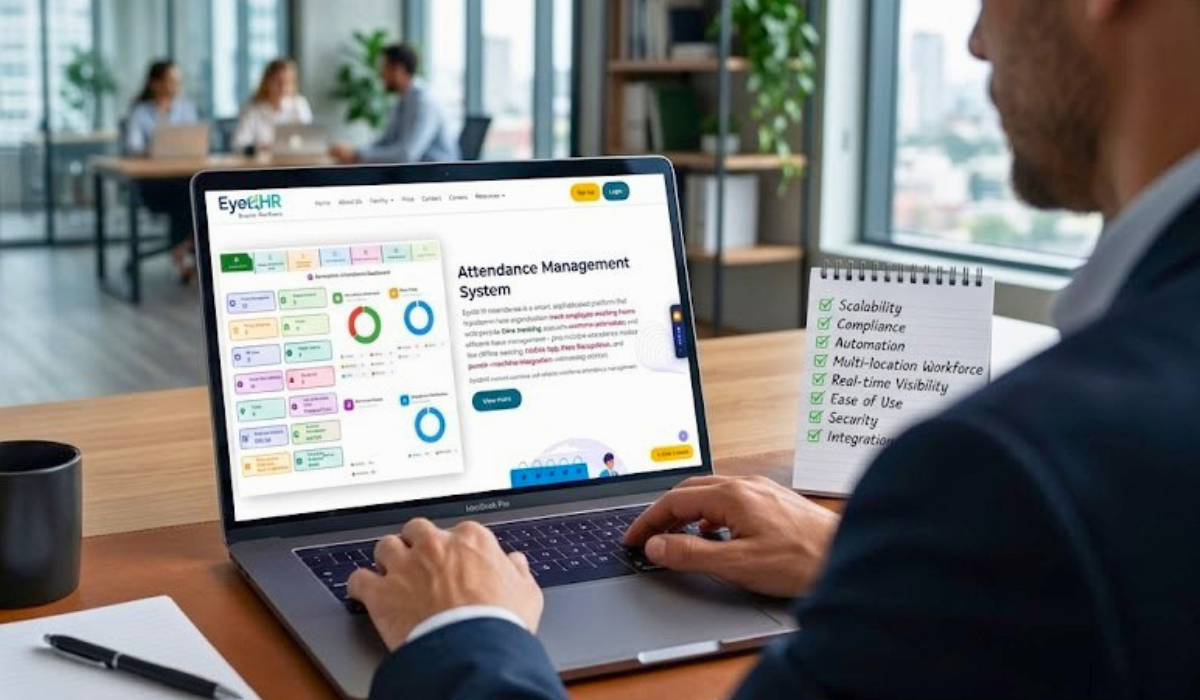
GPS-based mobile attendance can help capture attendance at the worksite and feed the data directly into your system. This reduces manual data transfer and helps ensure that attendance records are based on actual workforce activity.
Generate Statutory Registers Directly From Payroll Data
The wage register should not require a separate data-entry exercise.
Once payroll is processed, the wage register in the applicable prescribed format should be generated directly from the same attendance and payroll data. If you are preparing the wage register separately from your payroll process, you are doing double work and increasing the risk of mismatches.
Set Up Deadline Alerts Well in Advance
Licence renewal dates, return filing deadlines, and wage payment deadlines should be tracked with reminders well in advance.
Missing a filing or renewal deadline is often the result of someone assuming that someone else would handle it. Automated alerts help eliminate that uncertainty and give your team enough time to take corrective action.
Maintain a Central Compliance Dashboard by Site
For multi-site operations, you need visibility across all locations simultaneously.
A compliance dashboard showing which sites have current licences, which attendance records are complete, and which wage registers have been generated can help your team identify gaps before they become inspection issues.
How EyeQHR Can Help Manpower Companies
Managing CLRA compliance across multiple sites becomes difficult when attendance, payroll, employee records, and compliance documentation are maintained separately.
EyeQHR is designed to help manpower and contract labor companies bring these processes together in one system.
With EyeQHR, businesses can manage:
- Attendance: Capture and monitor workforce attendance across multiple sites.
- Payroll: Process wages using attendance and payroll data from the same system.
- Employee Records: Maintain centralized records for deployed workers.
- Compliance: Keep relevant statutory data and records organized for easier tracking.
- Multi-Site Workforce Management: Monitor workforce information across different client locations.
- Reports: Access workforce and payroll data without relying on multiple spreadsheets.
The biggest advantage is having your workforce data connected rather than maintaining separate attendance sheets, payroll files, and compliance records.
When your attendance data feeds into payroll and your payroll data feeds into reporting, there is less manual transcription and a lower risk of inconsistencies.
For manpower companies managing contract workers across multiple sites, EyeQHR can turn CLRA compliance from a recurring manual task into a more structured, trackable process.
Frequently Asked Questions
Q1. Does CLRA apply to security companies and facility management companies?
A1. Yes. CLRA can apply to companies that supply contract labor to principal employers, regardless of the industry, subject to the applicable threshold and legal requirements. Security agencies, housekeeping contractors, facility management companies, logistics labor suppliers, and construction manpower companies may all fall under the Act.
Q2. What is the difference between the contractor licence and the principal employer registration?
A2. The principal employer registers under CLRA and receives a Certificate of Registration, while the contractor applies for a license to supply and employ contract labor. The applicable forms and procedures may vary depending on whether the Central Rules or relevant State Rules apply.
Q3. Do we need a separate license for each state where we operate?
A3. CLRA compliance is administered through the applicable Central or State authorities and rules. If you deploy workers across multiple states, you need to comply with the licensing and registration requirements applicable in each jurisdiction. The exact requirements can vary based on the nature of the establishment, worksite, and applicable authority.
Q4. Can HRMS software generate CLRA-prescribed registers automatically?
A4. Yes, an HRMS designed for the manpower industry can help automate the generation and maintenance of relevant statutory records from attendance and payroll data.
Purpose-built platforms such as EyeQHR can help manpower companies manage attendance, payroll, employee records, and compliance-related reporting from a central system, reducing the need for repetitive manual data entry.
Q5. What is the penalty for operating without a CLRA licence?
A5. Penalties for contraventions of the CLRA Act and applicable rules can include imprisonment, fines, or both, depending on the specific provision violated. Other action, including action affecting the contractor’s licence, may also apply depending on the circumstances.
Final Word
CLRA compliance is not complicated once you understand what is actually required. The bigger challenge for most manpower companies is managing the volume of records, registers, and deadlines across multiple sites without a system built to handle them.
The checklist in this article covers the key areas that may be examined during an inspection. Work through it site by site and address any gaps before your next deployment cycle.
If your current process requires manual entry into multiple registers, manual cross-checking, and constant follow-ups with site supervisors for attendance or documents, your compliance process will always carry a higher risk of errors.
With a workforce management and HRMS platform like EyeQHR, manpower companies can bring attendance, payroll, employee records, and compliance tracking together, making day-to-day workforce management more organized and easier to monitor.