
What to Look for in an HRMS for Manpower Companies India 2026: The Complete Buyer’s Guide

Finding the right HRMS for a manpower company in India is a very different exercise from choosing HR software for a standard office-based business. The workforce is in the field. Pay varies by the day. Workers are deployed across multiple client sites. Compliance under CLRA is non-negotiable.

Most HR software platforms are built for permanent, salaried employees sitting at one location. When a manpower company tries to run a contract workforce through that software, the gaps appear quickly. Attendance cannot be tracked in the field. Payroll breaks on daily wages. Muster rolls need to be generated separately. CLRA registers are done on the side in Excel.

This guide tells you exactly what to look for when evaluating HRMS options for your manpower business. We cover the specific features that actually matter for your industry, the questions to ask any vendor, and the warning signs that tell you a platform was not built with your kind of business in mind.

Why Generic HR Software Does Not Work for Manpower Companies

Before going into what to look for, it is worth being specific about why standard HR platforms fall short. The problems are structural, not cosmetic.

      Daily-wage payroll: Most HRMS platforms assume salaried workers. They calculate monthly pay by dividing a CTC into components. A worker paid per day worked does not fit this model cleanly.

      Multi-site workforce: Generic HR software has a concept of departments and locations, but it is not built to manage workers assigned to external client sites with separate compliance reporting requirements for each.

      CLRA compliance: The muster roll (Form XVI), wage register (Form XVII), and other statutory registers required under the Contract Labour Act are not standard outputs from most HR platforms. They need to be generated separately.

      Field attendance: Biometric or card-swipe attendance requires hardware at each location. For a company with 40 client sites, installing and maintaining hardware everywhere is impractical. Field workers need a mobile-based alternative.

      Worker volume: Processing payroll for 500 daily-wage workers with different attendance, different sites, and different wage rates requires a system designed for bulk operations, not one optimised for 50 salaried employees.

The 8 Features That Actually Matter for Manpower Company HRMS

1. Bulk payroll for daily-wage and contract workers

This is the core function. The system must support daily-wage calculations, apply the correct rate per worker, calculate overtime automatically, and process payroll for hundreds of workers in a single run. Payslip generation must be part of the same process, not a separate step.

Ask the vendor: Can you show me a payroll run for 300 daily-wage workers with three different wage rates and two different states? If they show you a demo for 10 salaried employees, you are looking at the wrong product.

2. GPS geo-fenced attendance for field workers

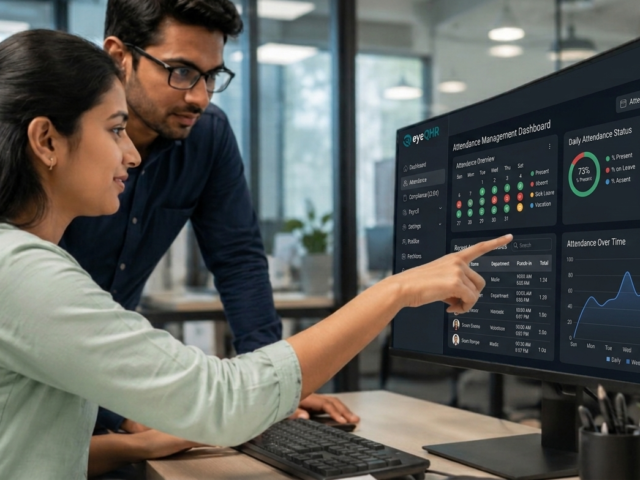
Workers at client sites cannot check in at your office. They need a mobile app that captures their GPS coordinates when they check in, and the system must verify that those coordinates fall within the site boundary before accepting the attendance. This is called geo-fencing.

The app must work on entry-level Android smartphones, which is the handset most field workers use. It must also have an offline mode that records attendance even with poor network coverage and syncs when connectivity returns.

3. CLRA register generation

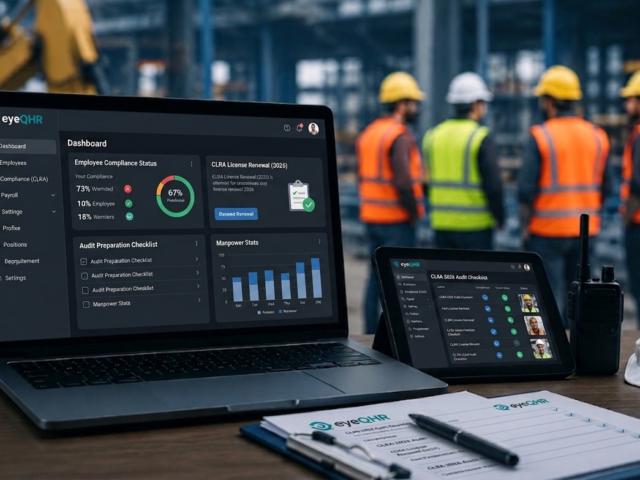
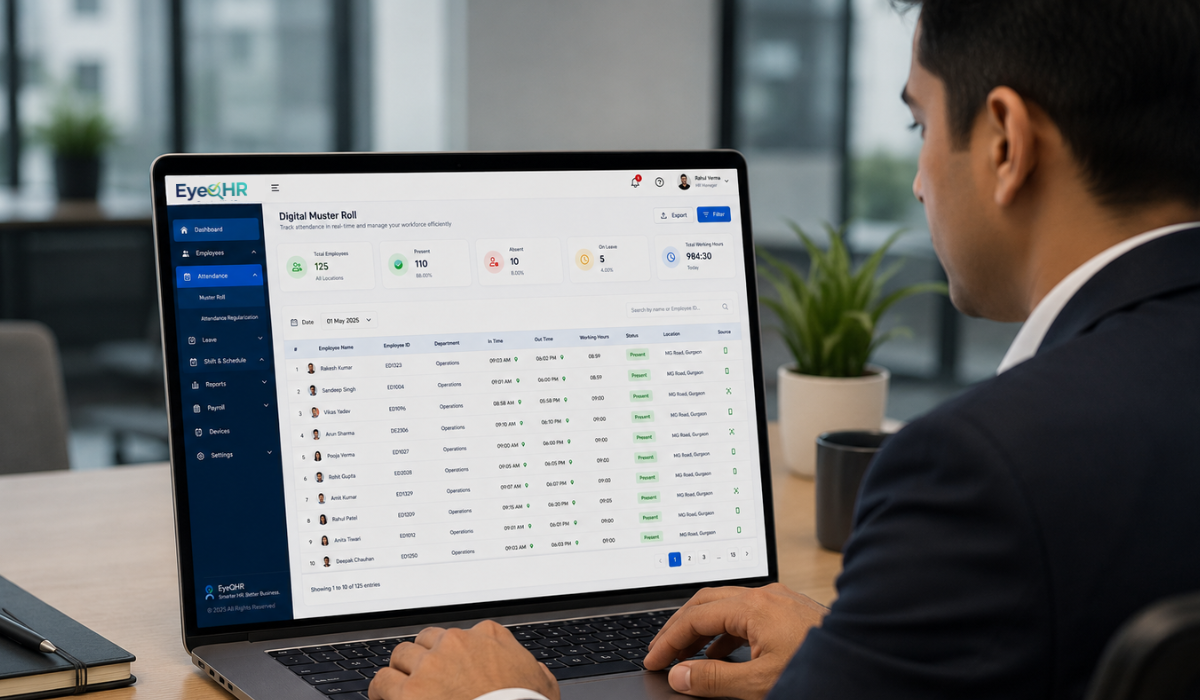
The CLRA muster roll (Form XVI), wage register (Form XVII), and other prescribed registers must be generated directly from the system’s attendance and payroll data. This is not a nice-to-have. It is a legal requirement for every deployment.

If the system requires you to export data to Excel and fill in the registers manually, you are still carrying the compliance workload. The registers should be output-ready, signed off by the supervisor, and stored in the system for inspection.

4. Multi-site workforce management

Your workers are at different client sites. Each site may have different wage rates, different shift patterns, and different compliance reporting requirements under CLRA. The system must support site-specific configurations and generate reports and registers at the site level, not just at the company level.

This also means your clients (principal employers) should be able to receive site-specific reports from you, not aggregate-level data mixed in with other deployments.

5. State-wise minimum wage compliance

The system must hold current minimum wage rates for each state where you operate and apply the correct rate for each worker based on their deployment state and job category. When state governments revise rates, the database must update. The system must flag any worker whose computed wages fall below the applicable minimum before payroll is finalised.

6. PF and ESIC automation

PF must be calculated on basic wages. ESIC must be calculated on gross wages. The thresholds are different. The system must handle both correctly, flag workers who cross the ESIC ceiling at each wage revision, and generate the ECR file for EPFO upload and the ESIC challan details for portal submission.

7. Reasonable implementation time

A manpower company cannot wait five months to go live on a new payroll system. The system should be deployable in days for basic payroll and attendance operations. Site configuration, worker migration, and reporting setup can take a few weeks, but core payroll must be functional quickly.

If a vendor is talking about a three-month implementation timeline, either their system is extremely complex or the implementation is very heavy. Neither is appropriate for a lean manpower company.

8. Mobile self-service for field workers

Workers need access to their payslips, leave balances, and attendance records without calling the HR office. This requires a mobile app that works on basic Android hardware, supports regional languages, and loads quickly on a 2G or 3G connection. An app that only works well on a Rs 25,000 smartphone is not a field workforce solution.

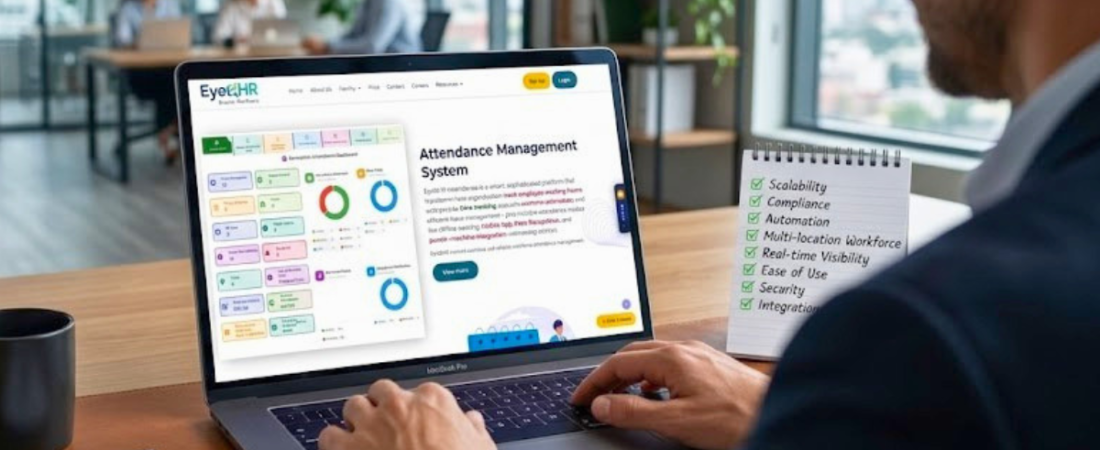
Feature Checklist: What to Assess in Any Demo

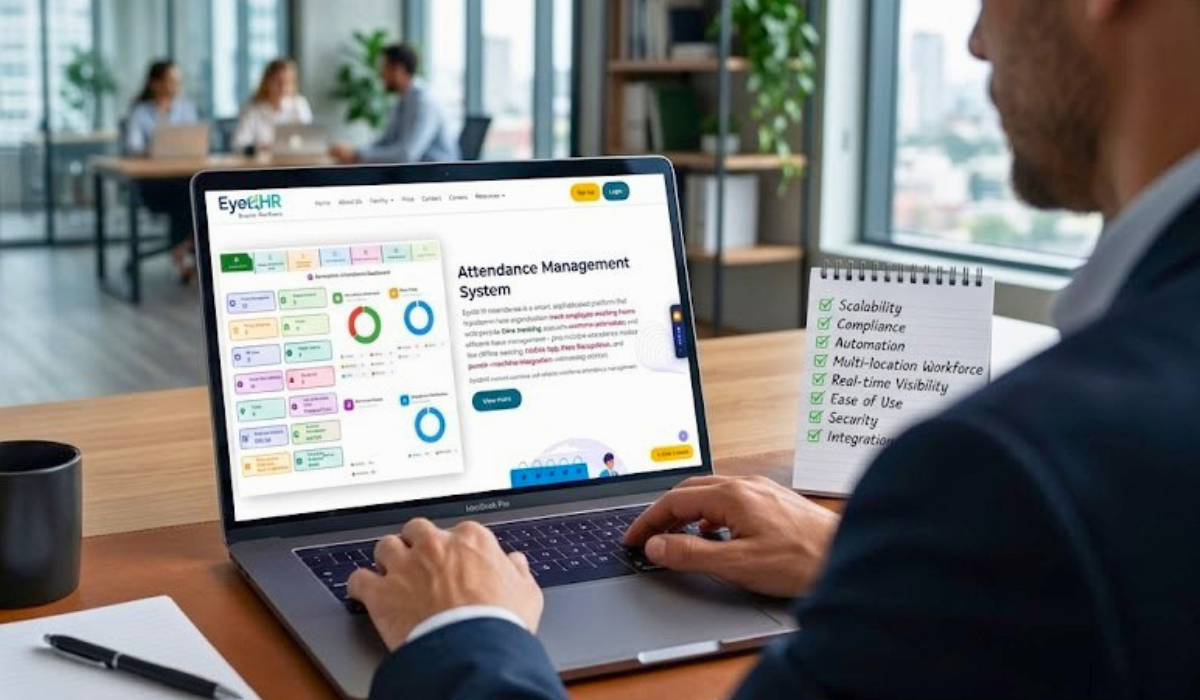
When you sit through a product demo, the vendor will show you their strengths. Use this checklist to surface the gaps.

Feature Comparison Table
Feature Requirement What to Look For Red Flag to Watch Out For
Bulk Payroll Processing Daily-wage and monthly payroll in same run, batch processing for 500+ workers Requires exporting to Excel for final processing
CLRA Compliance Auto-generates Form XVI, XVII, and statutory registers from payroll data Requires manual data entry into compliance templates
Field Attendance GPS geo-fencing, works on basic Android, offline sync Only supports office-based biometric or desktop punch-in
Multi-site Management Separate site configurations, site-wise reports and payroll Single-location architecture, site is just a label
Minimum Wage Compliance State-wise wage database, auto-flag underpayment before payroll runs Manual rate entry, no validation check
PF and ESIC Automation Auto-calculates on correct wage component, generates ECR file for upload Calculates correctly but requires manual challan creation
Implementation Time Days, not months. No IT team required Requires data migration team, 3 to 6 month timeline
Mobile App for Workers Works on entry-level Android, under 5MB, offline capable iOS and premium Android only, requires high-speed data

Questions to Ask Any HRMS Vendor

      Show me a payroll run for 300 daily-wage workers across 3 different sites with 2 different state wage rates. If they cannot demonstrate this live, the product may not support it.

      How do you generate the CLRA muster roll and wage register? The answer should be: automatically from attendance and payroll data. If it requires manual steps, that is a gap.

      Does your attendance system require hardware at client sites? Mobile geo-fencing is the right answer for most manpower companies.

      How long does implementation take for a 500-worker manpower company? Anything beyond 30 days for core functionality is a concern.

      How do you update minimum wage rates when state governments revise them? The answer should be that the database is maintained centrally and updates apply automatically.

      What does your mobile app require in terms of smartphone specifications? It must work on Android devices priced below Rs 10,000.

      Can you show me reports broken down by client site for CLRA compliance purposes? Multi-site reporting must be a standard feature, not a customisation.

Warning Signs During Evaluation

      The demo shows salaried payroll only: If they cannot quickly show daily-wage payroll with variable attendance, the product is built for a different market.

      CLRA compliance is a custom module: It means the platform was not built for the manpower industry and compliance is bolted on. Bolted-on compliance breaks more often and needs more maintenance.

      The attendance solution requires hardware at client sites: For multi-site manpower operations, this is expensive, impractical, and dependent on client cooperation.

      The implementation timeline is months, not weeks: This suggests a complex enterprise product that is not designed for lean manpower companies.

      Pricing is per employee and scales steeply: A manpower company with 500 contract workers should not be paying enterprise HRMS rates. The pricing model must be appropriate for high-volume, lower-margin businesses.

Frequently Asked Questions

Is there HRMS software built specifically for manpower companies in India?

Yes. Several platforms have been developed specifically for the manpower industry. The key differentiator is whether the platform supports daily-wage payroll, CLRA register generation, GPS field attendance, and multi-site workforce management as core features. EyeQHR is one such platform, purpose-built for Indian manpower, staffing, security, and facility management companies.

How is HRMS for manpower companies different from standard HR software?

Standard HR software is built for fixed-salary, office-based employees. Manpower company HRMS needs to support daily-wage calculations, variable attendance across multiple client sites, contract labour compliance under CLRA, GPS-based field attendance, and bulk payroll processing for hundreds of workers simultaneously. These are structural differences, not configuration options.

What should I expect to pay for HRMS software as a manpower company?

Pricing varies significantly by vendor and deployment model. Purpose-built manpower HRMS platforms typically offer per-worker per-month pricing that scales reasonably for large contract workforces. Enterprise HR platforms with customisation for manpower are significantly more expensive and carry higher implementation costs. Get pricing for your specific headcount and number of sites before comparing.

How long does it take to implement an HRMS for a manpower company?

A purpose-built platform should have you running core payroll and attendance within a few days of sign-up. Full implementation including site configuration, compliance setup, and worker migration takes two to four weeks for most manpower companies. If a vendor quotes more than 30 days for basic operational readiness, clarify what is driving the timeline.

Can HRMS software handle both contract workers and permanent office staff?

Yes, most purpose-built manpower HRMS platforms support multiple employment types in the same system. Permanent office staff on monthly salaries, contract workers on daily wages, and piece-rate workers can all be managed under one platform. The payroll calculation rules for each type are configured separately.

Final Thoughts

The right HRMS for a manpower company is not the most feature-rich platform in the market. It is the one that handles your specific operational reality without requiring you to work around it.

If you spend the first three months of a new HRMS fighting the software to process daily wages, generate compliance registers, and track field attendance, something is wrong with the product choice, not with your operations.

Use the checklist and the questions in this guide as your evaluation framework. Focus on the features your operations actually require. Ask for a live demonstration of the scenarios that reflect your day-to-day work. The right platform will handle all of them cleanly.

Related Posts

Minimum Wage India 2026 for Contract Workers: State-Wise Rates, Daily Wage Calculation, and Compliance Guide

Minimum Wage India 2026 for Contract Workers: State-Wise Rates, Daily Wage Calculation, and Compliance Guide

State governments revise minimum wages twice a year. Most manpower companies update their payroll rates once, when they receive a…
Read More
Attendance Management for Manpower Companies: Why Your Current System is Failing You and What to Do About It

Attendance Management for Manpower Companies: Why Your Current System is Failing You and What to Do About It

A security company in Jaipur was managing attendance for 340 guards across 22 client sites using WhatsApp messages and paper…
Read More

Daily Wage and Overtime Calculation for Contract Workers in India: Complete Formula Guide

Daily Wage and Overtime Calculation for Contract Workers in India: Complete Formula Guide

Calculating daily wages and overtime for contract workers sounds straightforward until you actually sit down to do it. The daily…
Read More
Why Contract Labour Management Software is Non-Negotiable for India’s Manpower Industry in 2026

Why Contract Labour Management Software is Non-Negotiable for India’s Manpower Industry in 2026

If you run a manpower company, staffing agency, or security firm in India, you already know that managing contract labour…
Read More

Muster Roll Format India: What It Is, What Goes in It, and How to Maintain It Correctly

Muster Roll Format India: What It Is, What Goes in It, and How to Maintain It Correctly

Every manpower company, labour contractor, and staffing agency that deploys workers under the Contract Labour (Regulation and Abolition) Act, 1970…
Read More

PF and ESI for Contract Workers in India: A Practical Guide for Manpower Companies

PF and ESI for Contract Workers in India: A Practical Guide for Manpower Companies

Provident Fund and ESIC are among the most commonly misunderstood compliance obligations for manpower companies. Not because the rules are…
Read More
What to Look for in an HRMS for Manpower Companies India 2026: The Complete Buyer’s Guide

What to Look for in an HRMS for Manpower Companies India 2026: The Complete Buyer’s Guide

Finding the right HRMS for a manpower company in India is a very different exercise from choosing HR software for…
Read More

How to Run Bulk Payroll for Contract Workers in India: A Step-by-Step Guide

How to Run Bulk Payroll for Contract Workers in India: A Step-by-Step Guide

Running payroll for a fixed workforce of salaried employees is relatively straightforward. Running bulk payroll for contract workers is a…
Read More

Field Employee Attendance Tracking: A Complete Guide for Manpower, Security, and Facility Management Companies

Field Employee Attendance Tracking: A Complete Guide for Manpower, Security, and Facility Management Companies

Ask any HR manager at a manpower company what their most time-consuming problem is, and attendance will come up in…
Read More

Minimum Wage India 2026: State-Wise Updated Rates and Daily Wage Calculation Guide

Minimum Wage India 2026: State-Wise Updated Rates and Daily Wage Calculation Guide

Minimum wage compliance is one of the most consistent pain points for manpower companies, staffing agencies, and any business that…
Read More

CLRA Compliance Checklist for Manpower Companies in India: What You Must Get Right in 2026

CLRA Compliance Checklist for Manpower Companies in India: What You Must Get Right in 2026

Every manpower company in India that deploys contract workers has legal obligations under the Contract Labour (Regulation and Abolition) Act,…
Read More